All in One SEO (AIOSEO): WordPress SEO Plugin for Technical Optimization and Rich Results (2026)
All in One SEO (AIOSEO) is a comprehensive WordPress SEO plugin by Awesome Motive, active since 2007 — making it one of the longest-running WordPress SEO plugins with over 3 million active installations. Its TruSEO scoring system analyzes individual pages against focus keyphrases, while built-in schema markup generator, local SEO, WooCommerce SEO, and Author SEO (E-E-A-T) features cover the full technical SEO surface area of a WordPress site. The free Lite version is available on WordPress.org; paid plans start at $49.50/year.
AIOSEO targets WordPress site owners, bloggers, WooCommerce store operators, and agencies managing WordPress client sites who want a single plugin that handles title/meta optimization, schema, XML sitemaps, robots.txt, redirects, and social media meta — without requiring coding knowledge.
SEO professionals running non-WordPress sites, teams needing comprehensive backlink analysis or keyword research, or enterprise organizations requiring server-level technical SEO capabilities should use platform-agnostic tools like Semrush, Ahrefs, or Screaming Frog alongside or instead of AIOSEO.
AIOSEO: Key Specs at a Glance
| Feature | All in One SEO (AIOSEO) |
|---|
| Primary use case | WordPress on-page SEO, schema markup, and technical site optimization |
| Best for | WordPress site owners, bloggers, WooCommerce stores, and WordPress-focused agencies |
| Access type | WordPress plugin (desktop browser interface) |
| TruSEO scoring | Yes — per-page SEO score against focus keyphrase with actionable checklist |
| Schema markup | Yes — Article, FAQ, How-To, Product, Recipe, LocalBusiness, Event, and 10+ types |
| Sitemap generation | Yes — XML sitemaps with priority, frequency, and image sitemap support |
| Local SEO | Yes (Plus plan and above) — local business schema, Google Maps integration |
| WooCommerce SEO | Yes — product schema, breadcrumbs, and category SEO optimization |
| Author SEO / E-E-A-T | Yes (Pro plan) — author schema, social profiles, and expertise signals |
| Link Assistant | Yes — internal linking suggestions and broken link detection |
| Search engines | Google (primary), Bing; integrates with Google Search Console |
| Countries supported | Global; 54+ translation languages |
| API availability | WordPress REST API compatible; no standalone SEO data API |
| Integrations | Google Search Console, Google Analytics 4, WooCommerce, Semrush, Page Builders (Elementor, Divi, Beaver Builder) |
| Collaboration / seats | Role-based access (SEO Manager, SEO Editor roles) |
| White label | Yes (Elite plan) — agency whitelabeling and client management |
| Pricing model | Annual subscription (plugin license per number of sites) |
| Free plan | Yes — Lite version on WordPress.org with core features (no schema, no local SEO, no Link Assistant) |
| Paid plans | Basic: $49.50/yr (1 site); Plus: $99.50/yr (3 sites); Pro: $199.50/yr (10 sites); Elite: $299.50/yr (unlimited sites) |
What AIOSEO Does Well
TruSEO On-Page Optimization Scoring
AIOSEO's TruSEO score evaluates each WordPress page and post against your focus keyphrase — checking title and meta description optimization, keyphrase density, heading structure, internal linking, image alt text, and readability. The resulting checklist format makes optimization actionable for non-SEO users: green checkmarks for completed items, red flags for issues to fix. This guided approach reduces the knowledge barrier for WordPress users who aren't SEO specialists.
Comprehensive Schema Markup Generator
AIOSEO generates structured data for 10+ schema types — Article, FAQ, How-To, Product, LocalBusiness, Review, Course, Recipe, and more — directly within the WordPress editor without requiring JSON-LD coding. The FAQ schema generator integrates directly with WordPress content blocks, creating both the visible FAQ accordions and the structured data simultaneously.
Link Assistant for Internal Linking
AIOSEO's Link Assistant scans your entire WordPress site to identify orphaned pages, broken links, and internal linking opportunities — suggesting relevant anchor text and target pages based on content similarity. This feature directly addresses one of the most commonly overlooked technical SEO factors for content-heavy WordPress sites.
Known Limitations
- WordPress-only: AIOSEO is exclusively a WordPress plugin. Non-WordPress sites (Shopify, Webflow, custom CMS) require different technical SEO tools entirely.
- No keyword research database: AIOSEO analyzes pages you've already created but doesn't help you discover new keywords to target. You still need Ahrefs, Semrush, or Google Keyword Planner for keyword research.
- Core features gated behind paid tiers: Schema markup, local SEO, Link Assistant, WooCommerce SEO, and Author SEO are not available in the free Lite version. The free plan covers basic title/meta and XML sitemaps only.
- Plugin performance impact: Like all WordPress SEO plugins, AIOSEO adds database queries and JavaScript to page loads. Sites with performance budgets should benchmark the impact — though AIOSEO has optimized significantly for speed in recent versions.
Best For: Who Should Use AIOSEO
- WordPress bloggers and content creators who want guided on-page optimization without SEO expertise
- WooCommerce store owners needing product schema, breadcrumbs, and category SEO at scale
- Local businesses using WordPress who need LocalBusiness schema, Google Maps integration, and location-specific meta
- WordPress agencies managing multiple client sites who need white-label SEO plugin capabilities (Elite plan)
Who Should Look Elsewhere
- Non-WordPress site owners: For Shopify, Webflow, or custom-built sites, AIOSEO is not applicable. Use Semrush or Screaming Frog for platform-agnostic technical SEO.
- Rank Math users: Rank Math (free plan more generous, starts at $6.99/month for Pro) offers similar functionality at a lower entry price. The choice between AIOSEO and Rank Math often comes down to UX preference.
- Teams needing keyword research or backlinks: AIOSEO handles on-page and technical optimization but doesn't address competitive research, backlink analysis, or rank tracking beyond Google Search Console data.
Pricing & Cost at Scale
Free (Lite): Basic title, meta, and XML sitemap features. Sufficient for simple WordPress sites not needing schema or advanced features.
Basic ($49.50/yr, 1 site): Adds schema markup, Link Assistant, and smart sitemaps. Best for single-site bloggers.
Plus ($99.50/yr, 3 sites): Adds local SEO. Appropriate for small businesses with location landing pages.
Pro ($199.50/yr, 10 sites): Adds Author SEO/E-E-A-T, WooCommerce SEO, advanced schema. Recommended for active WordPress agencies.
Elite ($299.50/yr, unlimited sites): Adds white-label and unlimited site management. Best for agencies with large WordPress portfolios.
14-day money-back guarantee on all paid plans.
Prices subject to change. Check aioseo.com/pricing for current plans.
Integrations & Workflow Fit
- Key integrations: Google Search Console (Search Statistics dashboard shows GSC data inside WordPress), Google Analytics 4, WooCommerce, Elementor, Divi, Beaver Builder, Semrush keyword suggestions
- API: Integrates with WordPress REST API; no standalone SEO data API
- Workflow fit: WordPress-native. AIOSEO is the SEO layer within your WordPress content workflow — not a standalone SEO research platform. Best paired with a dedicated keyword research tool and rank tracker.
Getting Started
- Install AIOSEO from the WordPress plugin repository (free Lite) or download the paid version from aioseo.com
- Run the Setup Wizard to configure site title, meta settings, social profiles, and sitemap
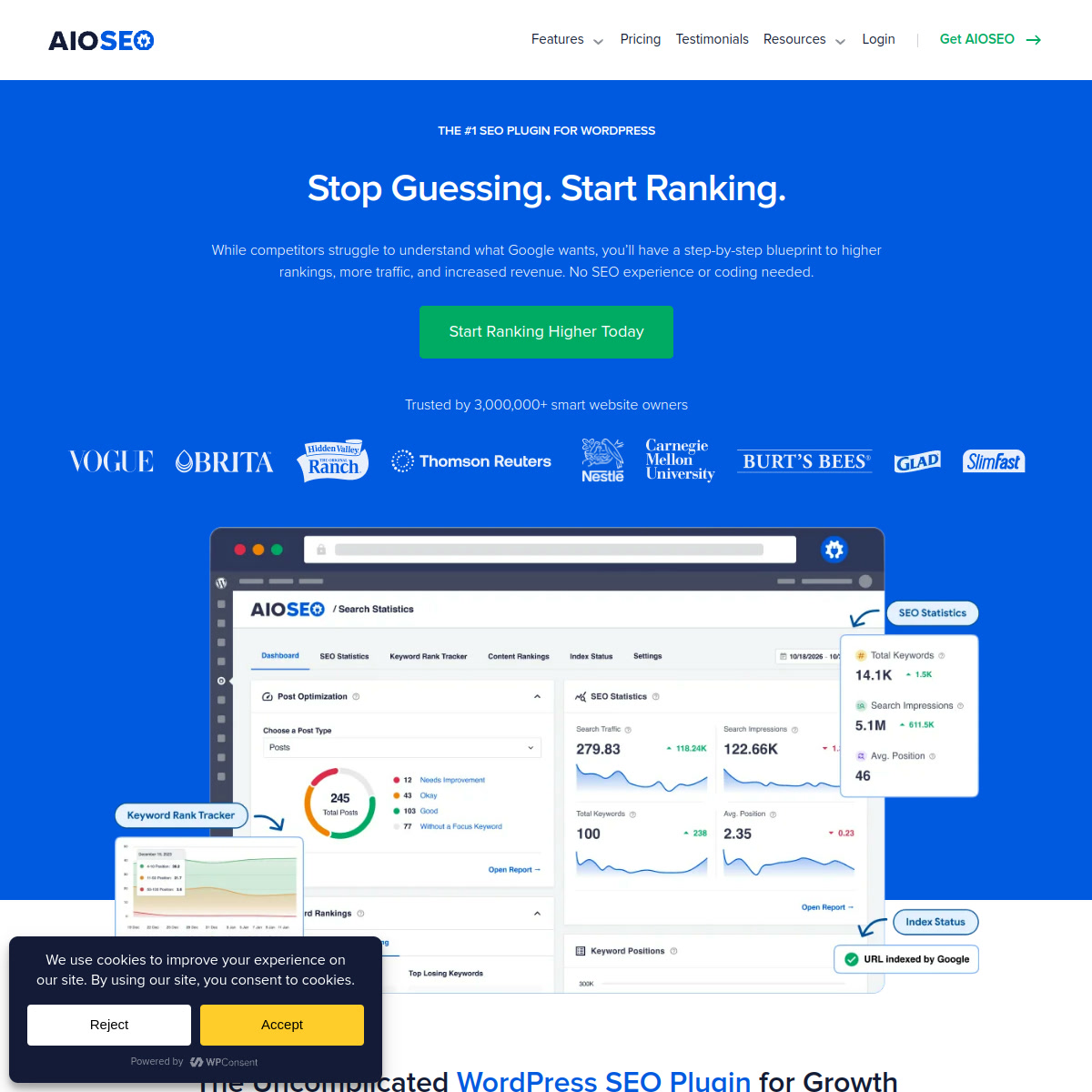
- Connect Google Search Console in AIOSEO Settings to pull Search Statistics data into your WordPress dashboard
- For each key page, set a focus keyphrase and use the TruSEO score to optimize title, meta, and content
Pro tip: Use AIOSEO's Link Assistant immediately after installation to identify orphaned pages — content with no internal links that search engines struggle to discover and prioritize.
What Users Are Saying
WordPress users consistently praise AIOSEO's beginner-friendliness and the depth of its optimization tools, with particularly positive sentiment around the Link Assistant and schema generators.
What users praise: "10 years using it allows me to say it is the best SEO plugin out there." Consistently rated for beginner-friendliness, comprehensive feature set, broken link detection, and schema generation without coding.
Common frustrations: Core features locked behind paid tiers, WordPress-only, performance impact on resource-constrained hosting, and the learning curve for advanced schema customization.
Have you tried AIOSEO? Share your experience in the review section below.
FAQ
Is AIOSEO free?
Yes, partially. The Lite version is free on WordPress.org and includes basic title/meta optimization and XML sitemaps. Schema markup, local SEO, Link Assistant, WooCommerce SEO, and Author SEO require paid plans starting at $49.50/year.
How does AIOSEO compare to Rank Math?
Both are comprehensive WordPress SEO plugins. Rank Math's free plan includes more features (basic schema, rank tracking) and its Pro plan starts at $6.99/month — lower than AIOSEO's Basic at $49.50/year. AIOSEO's Link Assistant and Author SEO/E-E-A-T features are considered strengths. The choice often comes down to UX preference, as both are capable tools for WordPress on-page SEO.
Is AIOSEO good for agencies?
Yes — the Elite plan at $299.50/year covers unlimited WordPress sites with white-label capabilities, making it cost-effective for agencies managing large WordPress portfolios. Clients never see "AIOSEO" branding in their WP dashboard on whitelabeled installations.
Does AIOSEO have an API?
AIOSEO integrates with the WordPress REST API and works within the WordPress ecosystem. It does not provide a standalone SEO data API. For programmatic SEO data access, teams should use DataForSEO, Semrush API, or Moz API alongside AIOSEO.
Will AIOSEO slow down my WordPress site?
AIOSEO is built with performance in mind and has been optimized over its 17+ year development history. Like any WordPress plugin, it adds some overhead, but modern versions implement lazy loading and optimized database queries. Sites on shared hosting should benchmark before and after installation to measure impact on load times.
Sources