The Complete Guide to Screaming Frog SEO Spider: Technical SEO Crawler
Introduction
Screaming Frog SEO Spider is a desktop-based website crawler developed by Screaming Frog — a UK digital marketing agency turned software company. The tool crawls websites just like a search engine bot would, fetching and analyzing URLs across hundreds of data points to surface technical SEO issues, broken links, redirect chains, duplicate content, and missing metadata. Since its launch, Screaming Frog has become a de facto standard in technical SEO auditing worldwide.
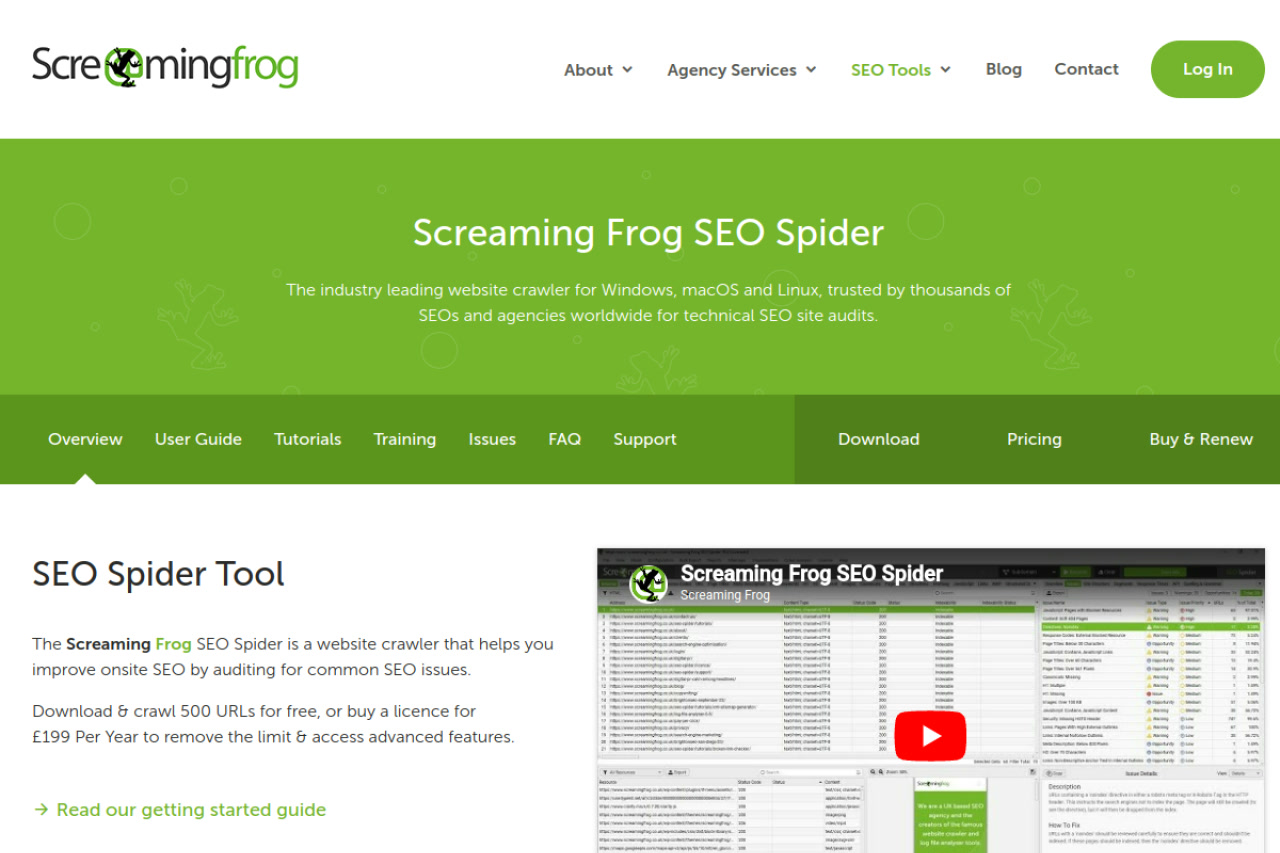
The primary use cases include pre-launch site audits, migration validation, redirect mapping, discovering orphaned pages, identifying crawl traps, and ongoing technical health monitoring. Whether you manage a personal blog or an enterprise e-commerce site with millions of pages, the SEO Spider scales to fit your workflow. It integrates seamlessly with Google Analytics, Google Search Console, and PageSpeed Insights to enrich crawl data with real performance metrics. Pricing is straightforward: the free version supports up to 500 URL crawls, while the paid licence costs $279 per year (approx. £209/year in GBP) and unlocks unlimited crawling plus advanced features like custom extraction, JavaScript rendering, and scheduled crawls. Prices are subject to change. Check official pricing.
Getting Started
Screaming Frog SEO Spider runs as a native desktop application on Windows, macOS, and Linux — requiring no server setup or cloud subscription to begin crawling. After installation, you simply enter a start URL, select a crawl mode, and hit Start. The tool supports both Spider mode (crawling an entire site from a seed URL) and List mode (uploading a pre-defined list of URLs for batch analysis). For JavaScript-heavy sites, the built-in AJAXSpider mode renders pages using a headless Chromium browser, capturing dynamically loaded content that older crawlers miss. API integrations with Google Analytics 4, Google Search Console, and PageSpeed Insights can be configured in the Preferences menu to pull additional real-user metrics alongside crawl data.
The interface is organized into a main crawl summary pane, a detailed tab system (Response Codes, URL, Page Titles, Meta Description, H1, Images, etc.), and a filterable data grid for each section. Exported reports are delivered as CSV or Excel files, making it easy to import data into any reporting workflow or share findings with clients and developers.
Core Features
Broken Link Detection: Screaming Frog identifies all internal and external hyperlinks returning 4xx/5xx status codes during a crawl. The tool distinguishes between client errors (404 Not Found), server errors (503 Service Unavailable), and soft 404s where pages load but serve semantically empty content — a critical distinction for large sites where content management systems sometimes silently break pages without returning proper error codes.
Redirect Chain Analysis: The tool maps every redirect encountered during a crawl, flagging redirect chains longer than one hop and redirect loops. Long chains slow page load times and dilute PageRank flow, and Screaming Frog's visualization makes it straightforward to identify and simplify them. You can export full chain maps for developer handoff with a single click.
On-Page SEO Auditing: The Spider audits page titles, H1 tags, meta descriptions, canonical tags, hreflang attributes, structured data (Schema.org), and Open Graph tags. It highlights duplicates, missing values, and length violations (too short/long titles, missing descriptions) across the entire crawl in seconds — work that would take hours if done manually.
JavaScript Rendering: Using an integrated headless Chromium engine, Screaming Frog can render JavaScript-built pages and crawl Single Page Applications (SPAs). This is critical for modern web stacks built on React, Vue, or Angular, where content is only visible after JavaScript execution. The rendered DOM is compared against the raw HTML response to identify discoverability gaps.
How to Use Screaming Frog: Step-by-Step
Step 1 — Configure Crawl Settings: Open the Configuration menu to set your crawl limits, user-agent string (Googlebot, Chrome, or custom), and exclusion rules for parameterized URLs or irrelevant sections. Connect your Google Analytics and Google Search Console properties to enrich the crawl with traffic and impressions data during analysis. For JavaScript sites, enable JavaScript rendering under Configuration > Spider > Rendering.
Step 2 — Start the Crawl: Enter the root domain in the URL field and click Start. Monitor the live crawl progress — Screaming Frog populates data in real time, letting you spot high-volume issues (e.g., 1,200 broken links) before the full crawl finishes. Pause and resume functionality allows you to continue a long crawl without starting over.
Step 3 — Analyze Reports: After crawling, navigate through the tabbed report sections. Start with Response Codes to triage errors and redirects. Review the Page Titles and Meta Description tabs for duplicate or missing metadata. Use the Directives tab to audit canonicals and noindex tags. Export each section as CSV and build your technical audit report.
Pro Tip: Use the Crawl Analysis feature (Crawl > Crawl Analysis > Start) after a full crawl to generate a high-level summary of internal link distribution and PageRank flow, quickly identifying orphaned pages and over-linked content.
Best Practices
Run Screaming Frog crawls from a stable wired connection to avoid dropped connections on large sites. Set polite crawl delays (0.5–1s between requests) when auditing production sites to avoid overwhelming servers during business hours — especially important for shared hosting or Cloudflare-protected sites. Save crawl configurations as named presets to replicate the same audit parameters consistently across recurring monthly checks.
Avoid crawling through session-based parameters like `?sessionid=` or `?utm_source=` which create thousands of duplicate URL variants in your report. Add these as URL exclusion rules before crawling. For post-migration audits, use List mode with the old sitemap URLs and filter for 404s to confirm all old pages redirect correctly.
Pros and Cons
- Pro: Unmatched depth and breadth of technical crawl data in a single desktop tool.
- Pro: JavaScript rendering built-in — no additional setup required for SPA auditing.
- Pro: One-time annual pricing with no per-seat or per-project fees.
- Pro: Deep Google Analytics + Search Console integration enriches crawl data with real performance metrics.
- Con: Desktop-only — no cloud dashboard or team collaboration features natively.
- Con: High RAM consumption on very large crawls (1M+ URLs), requiring a dedicated machine.
- Con: Steeper learning curve for SEO beginners unfamiliar with HTTP status codes and technical terminology.
- Con: No built-in rank tracking or backlink analysis — requires complementary tools for full-stack SEO.
What Users Are Saying
Screaming Frog consistently earns strong community endorsements. SEO professionals on Reddit describe it as an essential tool in any technical SEO workflow, praising its reliability, depth of data, and the time it saves during large-scale audits. Agency teams use it as their primary crawl tool before handing findings to developers.
Common frustrations include its desktop-only nature (limiting team sharing) and the memory demands of very large crawls. Still, the consensus is clear: for technical SEO site audits, Screaming Frog remains the gold standard. Have you tried Screaming Frog SEO Spider? Share your experience in the review section below to help other SEO professionals make the right choice!
Summary
Screaming Frog SEO Spider is the definitive tool for technical SEO auditing — combining comprehensive crawl intelligence, JavaScript rendering, and deep Google integrations into a lightweight desktop application. At $279/year with a free 500-URL tier, it delivers exceptional value for solo SEOs, agencies, and enterprise teams alike. If technical SEO is part of your workflow, Screaming Frog is an investment that pays for itself on the first audit.